Showing posts with label TUTORIAL. Show all posts

DOWNLOAD STUDYTONIGHT.COM FULL WEBSTIE OFFLINE

DOWNLOAD STUDYTONIGHT.COM FULL WEBSTIE OFFLINE


DOWNLOAD STUDYTONIGHT.COM FULL WEBSITE FOR OFFLINE USE


This is a new website for teaching Networking, Database,Programming, and other useful I.T stuff. 
It has a rich and simple tutorial layout and the website itself is nice and simple to use for both PC and Mobile.

Their Tutorials are good for both beginners and Expects.

Download the PassWord Text here
Download STUDYTONIGHT.COM WEBSITE HERE


Do not forget to share...

Read More

DOWNLOAD TUTORIALS POINT FULL WEBSITE FOR OFFLINE USE

DOWNLOAD TUTORIALS POINT FULL WEBSITE FOR OFFLINE USE


DOWNLOAD TUTORIALS POINT FULL WEBSITE OFFLINE


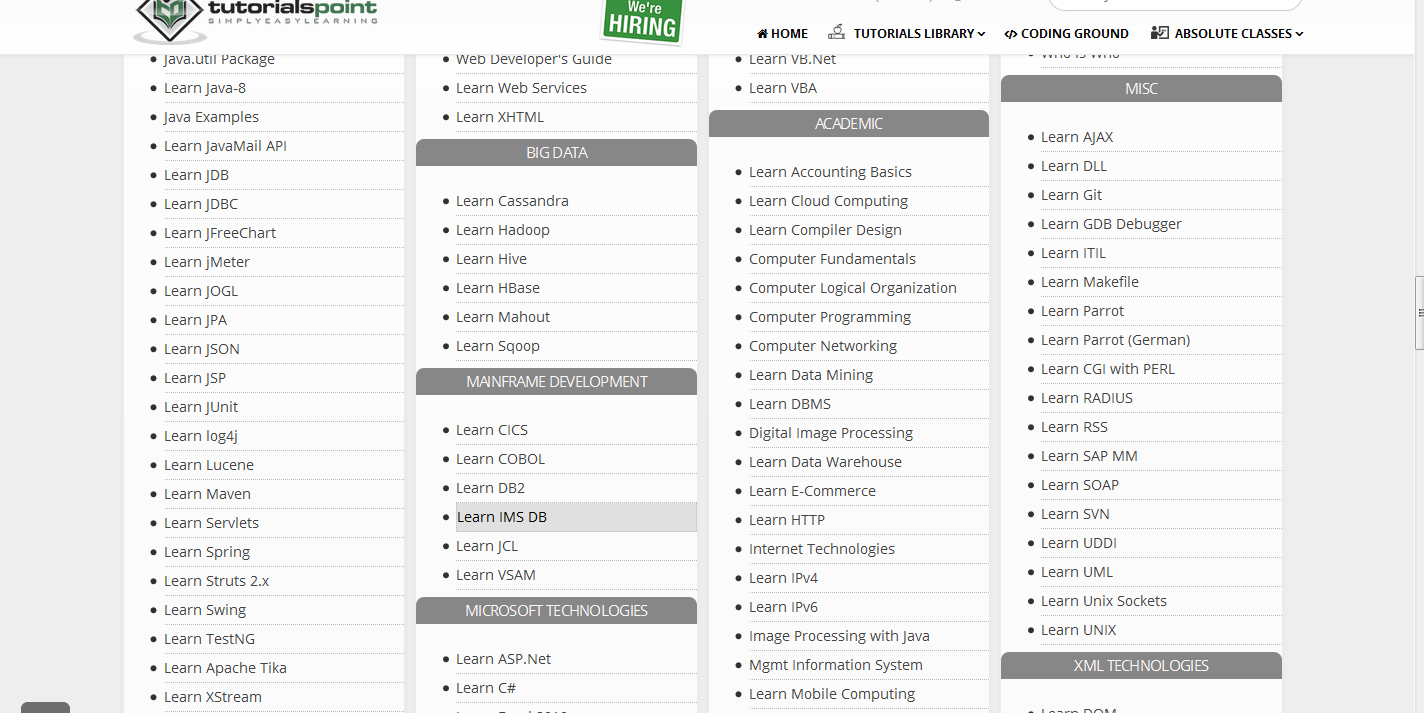
Tutorialspoint is a cool website for learning on your own. Tutorials there range from Programming to Accounting. ARDSK uploaded the whole website for sharing. So all credits to them.

How to use

Download the website here
Uncompress with 7zip
Open the File with your web browser 


Click on TutorialsPoint 


Also: Download W3schools full website offline

The index or homepage will open, then scroll to the point you find the tutorial u are interested in.


Don't forget to share, like us on Facebook and follow us on Twitter.
Have fun
Read More

GET PREMUIM UDEMY AND LYNDA COURSES FOR FREE

GET PREMUIM UDEMY AND LYNDA COURSES FOR FREE

 HOW TO DOWNLOAD UDEMY AND LYNDA COURSES FOR FREE


EDITED: 2017 FEB

This new website:      www.edufreedl.club 

 has free paid tutorials from udemy. lynda, courseera, tree house, edx, and all the best tutorial sites. They also include cracked software and sdk, ndk and other awesome stuff.

You can also request for tutorials and educative software there.


NOTE: THE SITE GOT HACKED BUT THE FORMS AND SOFTWARE ARE STILL GOOD
This service is provided by ONHAX (One of my fav places for downloading cracked apps).
They are providing this service in two forms, Free and Paid. Paid for courses not Ripped already. Everything else is free if you search well.

FEATURES OF UDEMY & LYNDA RIPPED COURSES:
  • Course are in hd videos
  • Related courses are Archived together by ONHAX
  • Archives include Quiz and Notes
Those who need courses not downloaded by onhax should contact them HERE . You can also buy their ripper software HERE (note that there is 10% discount for those who buy with bitcoin).
Pick up a request form for Udemy and LYNDA (Note that there could be a delay because they get lots of requests daily).

Download Ripped course for UDEMY and LYNDA HERE

DISCLAIMER: This is for educational use only and I am not responsible for any thing that may happen by using the services provided by onhax or how you threat this information.


Kindly share and have fun.


Read More

HOW TO CHANGE YOUR ANDROID PHONE'S IDENTITY

HOW TO CHANGE YOUR ANDROID PHONE'S IDENTITY

 CHANGE THE ID OF YOUR ANDROID PHONE

This is a simple way for changing/tweaking the ID of your phone for better tricks and looting.


THINGS NEEDED :


 STEPS:

Also:  TWEAK ANDROID FOR BLACKBERRY INTERNET SERVICE

  • Now that you have installed and enabled Xposed frame work follow through.
  • Enable Phone ID changer in Xposed and update it.
  • Backup your phone ID to restore later. NB: Everything would be reset on master reset.
  • Reboot your phone and everything will be changed. 
 SHOTS:


HAVE FUN, SHARE AND FOLLOW US ON FACEBOOK AND TWITTER...


CREDITS TO MAKERS OF THE APP AND APKSQUAD.

DISCLAIMER: I AM NOT TO BE HELD RESPONSIBLE FOR ANYTHING THAT HAPPENS TO YOU AND YOUR DEVICE AS YOU FOLLOW THIS TUTORIAL... FOLLOW AT YOUR OWN RISK. READ DISCLAIMER PAGE FOR MORE.
Read More

HOW TO RUN AN OPERATING SYSTEM ON PEN DRIVE OR CD : CREATE LIVE PEN DRIVE OR LIVE CD

HOW TO RUN AN OPERATING SYSTEM ON PEN DRIVE OR CD : CREATE LIVE PEN DRIVE OR LIVE CD

HOW TO RUN AN OPERATING SYSTEM FROM PEN DRIVE

Installing an operating system from pen drive is one cool and helpful thing to since you would be taking your OPERATING SYSTEM with your saved data with you ever where you go without your PC or Laptop. Linux is strange for beginners hence we are reluctant to install it on our hdd so installing on a portable storage device makes sense.


 The method here can be followed by both Pros and Noobs as such.

Things needed:
  • PC with Windows OS running on it.
  • Download this tool: UNIVERSAL USB INSTALLER 
  • Your downloaded Linux OS 
  • Pen drive,CD, and or External Hard drive

Steps:
I would be using Linux Mint for this tut but \you can use any other Distro which supports LIVE.
  • Plug in your flash drive or any external storage you would be using. It can even be an SD card.
  • Run Universal USB  INSTALLER (This tools does not install on your hdd).
  • Select the Linux distribution type you are to install.
  • Now select the downloaded linux distro you have downloaded.
  • Choose the drive letter for the media you are to install the OS on. 
  • Click on create. Note that you can select the persistent file size for storing changes and just leave it as default. 
  •  
  •  
  •   Click on close when it is done and you have the drive ready to run.
  •   Now change the boot Sequence by booting to BIOS and making boot from USB first option. Depending on the manufacturer and the bios of the device you are using you can press ESc,F1,F2,F8,F10, or F12. Search for how it is to be done on your device. 
  • Now that you have changed your boot and saved it, reboot your device. Linux mint will start up automatically. 
Enjoy Your new Linux and have fun. Do Not forget to share and follow us on FaceBook.
Read More
.